You don’t need to be the expert.
A little attention. A shared question. That’s a good place to start.
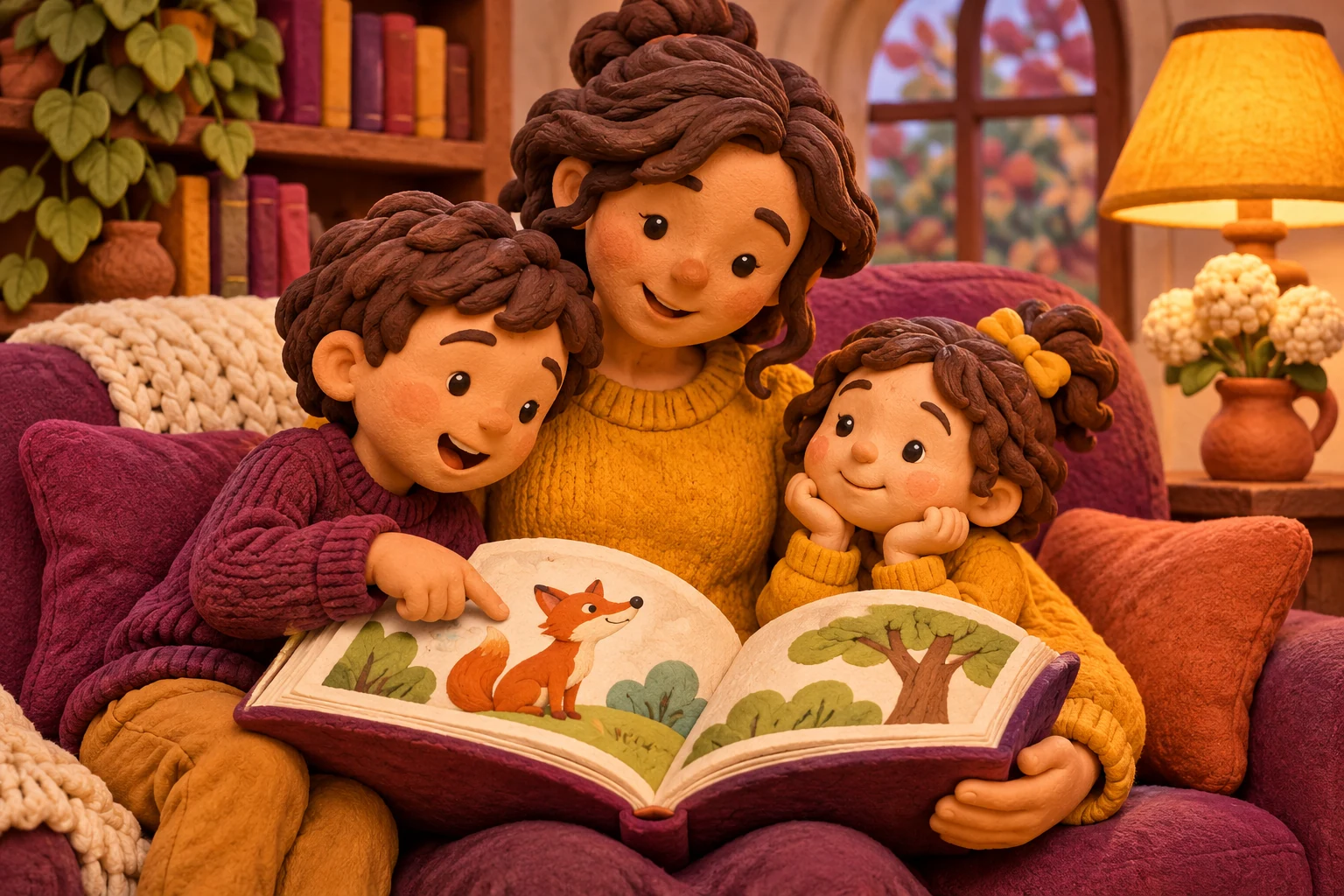
A gentle way to begin.
Let them choose
A picture, a game, or a question. Follow the thing that catches their eye.
Wonder out loud
Try: “What do you notice?” Take turns sharing an idea. It’s fine to say, “Let’s find out.”
Finish on a good moment
One picture can be enough. Pause when you’re ready, and leave room for another day.
Every family finds its own way.
Point, talk, draw or read. Choose the pace and the amount of help that suit your child.
What to expect here
Reading and games
Start with Easy reading and one picture or paragraph. Technical reading is available when you want to explore the explanation more deeply. You can enlarge a figure or increase the article text size.
Games are untimed, with no purchases or leaderboards. Play alone or take turns. A wrong answer is a chance to look again; there is no need to rush.
Some stories are more detailed than others. Choose what interests your child, help with new words, and stop whenever you’re ready.
Find your first shared activityPrivacy and everyday care
For parents and educators
Kids discovery offers simple science explanations and four browser games without accounts, messaging, public scores, adverts or analytics. Games use page memory and do not require personal details.
Activities are designed for shared exploration. An adult should supervise practical activities, especially outdoors or around food, water, electrical objects or small parts. Never look at the Sun.
Kids links stay inside the Kids area except a clearly marked, adult-directed return. Learning references are provided for adults, and browser infrastructure still processes information needed to deliver pages.
Children’s privacy rules vary between countries. This site uses privacy-protective defaults but has not been certified as compliant with every jurisdiction. The operator must review legal obligations and provider contracts before introducing any feature that collects information from children.
The Read, Play and Imagine choice stays only in the current page. Reloading returns to Read; we do not save or send that choice.
Read the Kids privacy noticeLeaving the Kids area
Kids navigation stays with these stories and games. Choosing to leave opens a confirmation with grown-up options. This is a navigation aid, not an age check or a parental lock.
Game progress stays in the current page and clears when you reload. A grown-up can leave Kids to use the general contact page.